



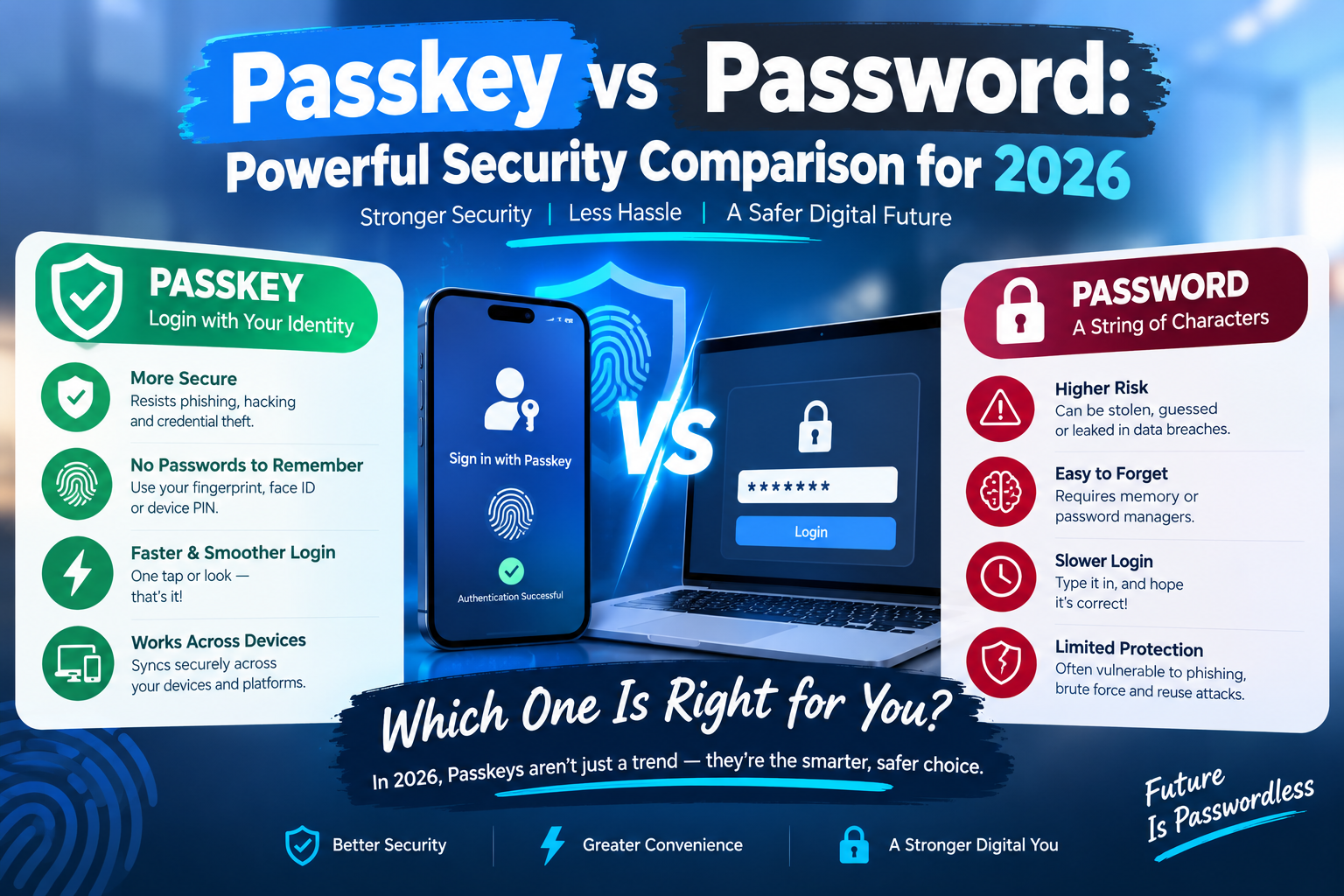
Online security is changing, and understanding Passkey vs Password is increasingly important in 2026. Traditional passwords have protected online accounts for decades, but they also create problems: people forget them, reuse them across websites, and sometimes enter them on fraudulent login pages. Passkeys offer a modern alternative designed to make signing in easier while improving protection against common attacks.
However, passkeys are not perfect for every situation. Device compatibility, account recovery, and credential synchronization can affect the experience. Passwords also remain necessary on many websites, and strong passwords managed properly can still provide meaningful protection.
This guide compares passkeys and passwords, explores their advantages and disadvantages, and explains how to choose a safer sign-in method for your accounts.
What Is a Passkey?
A passkey is a digital credential that lets you sign in without typing a traditional password. Depending on your device and account settings, you may approve a login using your fingerprint, facial recognition, device PIN, or another supported screen-lock method.
Passkeys use public-key cryptography. When you create one, your device or credential manager keeps a private key, while the website or service stores the corresponding public key. During login, the service verifies a cryptographic response rather than asking you to reveal a password.
The FIDO Alliance’s official passkey guide explains how this technology supports passwordless authentication and helps protect users against phishing.
For example, imagine signing in to an online shopping account. Instead of entering a password, you select the passkey option and approve the request on your phone. The website verifies the response, and you are signed in.
Your fingerprint or face scan generally unlocks the credential locally; it is not simply sent to the website as your password.
What Is a Traditional Password?
A password is a secret string of characters used to verify your identity. It might contain letters, numbers, symbols, or a memorable phrase. Many services combine passwords with additional security checks, such as an authenticator app or a one-time code.
Passwords are familiar and widely supported. They can work across devices without requiring a biometric sensor, making them useful for services that have not adopted passkeys.
The difficulty is managing them safely. A short or predictable password can be guessed, while a password reused across websites may expose several accounts if one service suffers a breach. Attackers can also use phishing pages to trick people into revealing their credentials.
The Cybersecurity and Infrastructure Security Agency (CISA) recommends using a password manager to generate and store long, unique passwords. This remains useful advice for accounts that do not yet support passkeys.
Passkey vs Password: Key Differences
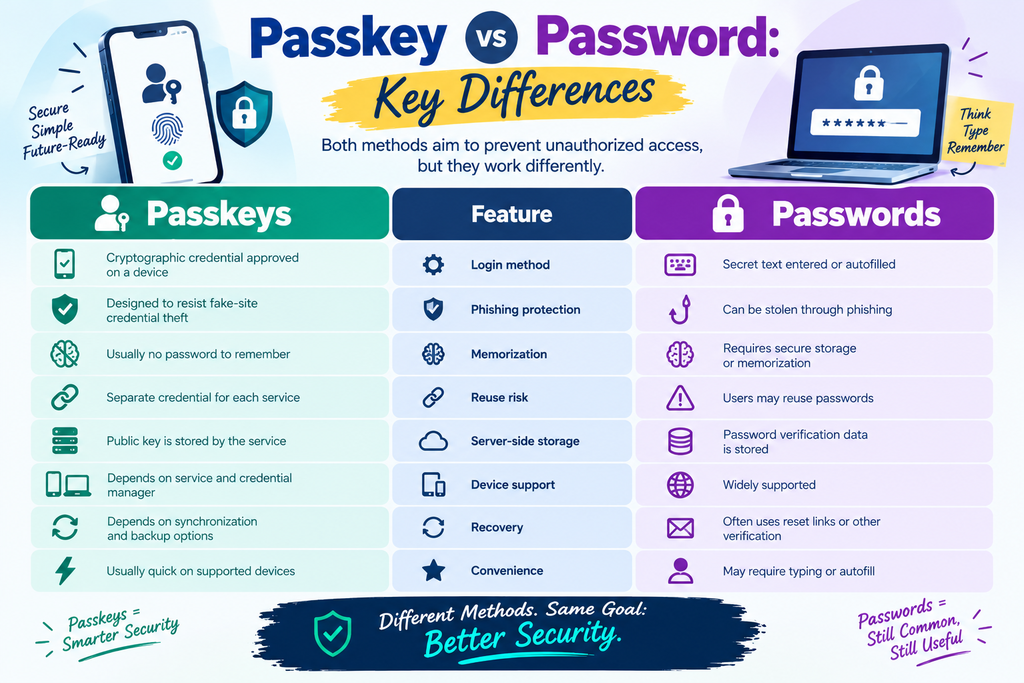
Both methods aim to prevent unauthorized access, but they work differently.
| Feature | Passkeys | Passwords |
| Login method | Cryptographic credential approved on a device | Secret text entered or autofilled |
| Phishing protection | Designed to resist fake-site credential theft | Can be stolen through phishing |
| Memorization | Usually no password to remember | Requires secure storage or memorization |
| Reuse risk | Separate credential for each service | Users may reuse passwords |
| Server-side storage | Public key is stored by the service | Password verification data is stored |
| Device support | Depends on service and credential manager | Widely supported |
| Recovery | Depends on synchronization and backup options | Often uses reset links or other verification |
| Convenience | Usually quick on supported devices | May require typing or autofill |
The key distinction is that a passkey is not a secret you type into a website. Its cryptographic design helps prevent attackers from collecting a reusable login secret through a fake sign-in page.
Major Advantages of Passkeys
1. Stronger Protection Against Phishing
Phishing is a common weakness of password-based authentication. An attacker may create a website that looks like a legitimate bank, email provider, or shopping platform and ask visitors to enter their passwords.
Passkeys are associated with the website or app for which they were created. A fraudulent website generally cannot use that passkey to authenticate as the legitimate service. This provides an important advantage over passwords, which people can accidentally type into a convincing fake page.
Passkeys do not eliminate every cybersecurity risk, but their phishing resistance makes them a strong choice for supported accounts.
2. No Password to Remember
Managing dozens of passwords can be frustrating. Users may forget them, reset them repeatedly, or choose easy-to-guess combinations for convenience.
With a passkey, the credential manager handles the cryptographic information. You normally approve the sign-in using a familiar device-unlocking method.
This can reduce login friction, particularly for people who regularly use supported services on their phones or computers.
3. Reduced Password-Reuse Problems
Password reuse creates a chain reaction. If one website is breached and a password is exposed, attackers may try the same combination on email, social media, financial, and other accounts.
Passkeys are created for individual services, so the same credential is not simply reused as a typed password across websites. Compromising one site’s public-key database does not ordinarily give an attacker the private keys needed to sign in to all its users’ accounts.
4. Better Protection Against Certain Database Breaches
A properly implemented passkey system stores public keys on the service rather than the corresponding private keys. Public keys are not login secrets that attackers can use in the same way as stolen passwords.
This can reduce the value of a credential database to attackers. However, a breach may still expose other information, and weaknesses in account recovery, devices, or service implementation can create separate risks.
5. Convenient Everyday Sign-Ins
Passkeys can make authentication simpler. Rather than entering a long password and possibly a second code, users can approve a sign-in with a supported device.
For frequent tasks such as checking email or shopping online, this convenience can encourage people to use a stronger authentication method instead of choosing weak passwords to save time.
Disadvantages and Risks of Passkeys
Passkeys offer important security benefits, but there are practical limitations to understand before relying on them everywhere.
1. Device and Platform Compatibility
Not every website or application supports passkeys. Some services still require passwords, and older devices or software may have limited compatibility.
The experience can also vary depending on whether your passkey is stored in a platform’s credential manager, a third-party password manager, or a hardware security key.
Practical tip: Keep a secure sign-in method available for services that do not support passkeys, and check that your devices can access your chosen credential manager.
2. Losing Access to Your Devices
A lost, damaged, or replaced phone can create problems if you do not understand how your passkeys are backed up or synchronized.
Some passkeys can sync securely through a supported credential manager. Others may be tied to a single device or hardware security key. Recovery options vary by provider, so never assume every passkey will automatically appear on a replacement device.
Practical tip: Review your credential manager’s recovery process before you need it. Add an appropriate backup sign-in method where the service allows one, and protect your recovery email and phone number.
3. Account Recovery Can Be Complicated
A passkey does not remove the need for account recovery. If you lose access to all devices and credentials associated with an account, the recovery process may involve additional verification.
A service with weak recovery procedures can still be vulnerable even if its normal passkey login is strong. Account recovery should therefore be treated as part of security rather than an afterthought.
4. Some Users May Find the Change Confusing
People accustomed to passwords may not understand where passkeys are stored, how they transfer between devices, or how to use them on a shared computer.
This is mainly a usability challenge, but confusion can lead to unsafe workarounds, such as saving recovery details in an unprotected document or sharing device access with others.
5. Passkeys Do Not Prevent Every Attack
Passkeys can help stop phishing-based credential theft, but they cannot prevent every form of account compromise. Malware, stolen unlocked devices, compromised sessions, social engineering, and weak recovery processes can still create risks.
Your device should remain updated and protected with a strong screen lock. Use separate user accounts on shared computers, and never approve an authentication request you did not initiate.
Advantages and Disadvantages of Passwords
Passwords remain useful because they are familiar, flexible, and supported by almost every online service. You can use them across different operating systems, and you do not need a biometric sensor to enter one.
However, their security depends heavily on how they are created, stored, and used. A short password such as a name or common phrase is easier to guess than a long, random one. Reusing the same password across websites also increases the damage a single breach can cause.
A password manager can improve password security by generating unique credentials and storing them in an encrypted vault. You need to protect the manager itself with a strong master password and the additional security controls it offers.
Passwords combined with multifactor authentication are also stronger than passwords alone. Nevertheless, some additional methods, particularly codes delivered by text message, can still be vulnerable to phishing or other attacks. Where available, passkeys or other phishing-resistant authentication methods offer a stronger option.
Passkey vs Password: Which Is More Secure in 2026?
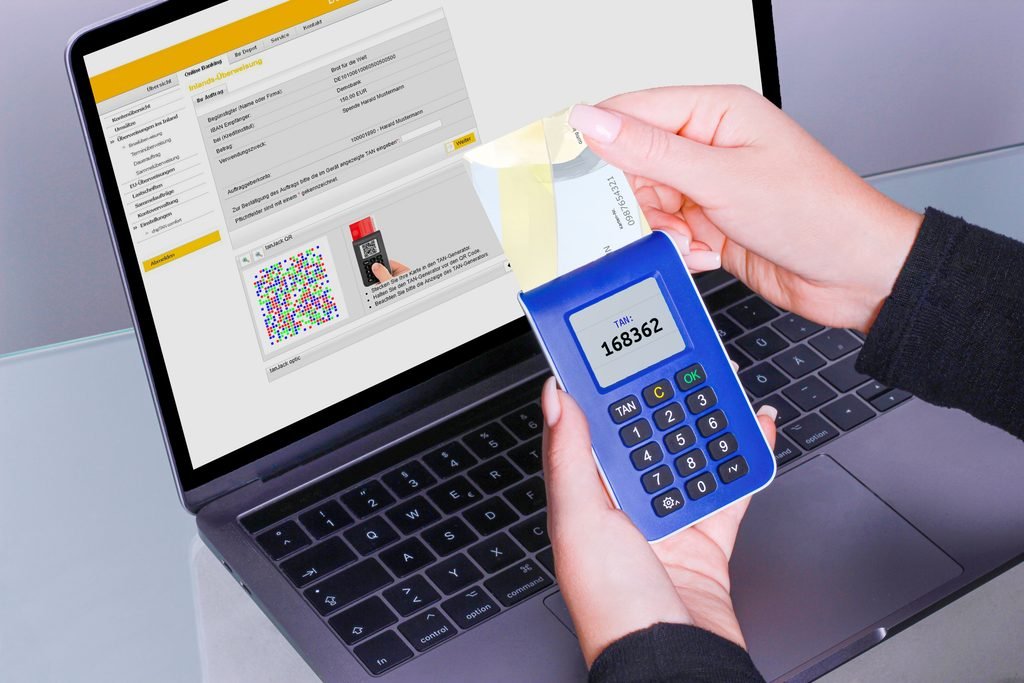
For most supported consumer accounts, passkeys are generally the stronger option against phishing and password-reuse attacks. Their cryptographic design avoids exposing a reusable password to a fake login page, and a service’s public-key database does not contain users’ passkey private keys.
Passwords can still be secure when they are long, unique, stored in a reputable password manager, and protected with multifactor authentication. But they depend more heavily on user behavior and the security of the systems that collect and store them.
The best choice also depends on implementation. A passkey account with weak recovery controls may be less secure in practice than its login method suggests. Likewise, a strong password combined with robust, phishing-resistant multifactor authentication can offer meaningful protection.
For a deeper technical explanation, the FIDO Alliance’s passkey security resources describe how public-key cryptography helps protect sign-ins against phishing and credential theft.
How to Switch to Passkeys Safely
If your important accounts support passkeys, you can start using them without changing every login at once.
- Start with your email account. Email often provides access to password resets for other services, so securing it is especially important.
- Check your account security settings. Look for options labelled “Passkeys,” “Sign-in methods,” or “Security.”
- Create a passkey through the official website or app. Avoid following unexpected login links from messages or emails.
- Confirm where the passkey is stored. Understand which credential manager or device holds it and whether it synchronizes to your other devices.
- Review recovery options. Make sure you can regain access if your phone is lost or replaced.
- Secure your devices. Use a strong device PIN or password, install updates, and enable available device-finding and remote-lock features.
- Keep a password manager for remaining accounts. Use it to generate long, unique passwords for services that do not support passkeys.
Good digital security also involves evaluating online advice carefully. If you enjoy reading straightforward, fact-focused content, you can explore these 10 honest facts as another resource. Whatever you read, verify important security recommendations against official documentation before changing your account settings.
Do not disable every alternative sign-in method until you understand the service’s recovery process and have tested access from your other trusted devices.
Should You Use Passkeys or Passwords for Different Accounts?
Your approach can vary by account type.
- Email and social accounts: Use a passkey if supported, because these accounts can contain sensitive information and may be used to reset other passwords.
- Banking and financial services: Follow your bank’s supported security options. Use passkeys where officially available, and enable additional protections recommended by the institution.
- Shopping accounts: Passkeys can make frequent logins easier while reducing the risk of password reuse.
- Work accounts: Follow your employer’s security policies. Some organizations require specific authentication methods or managed devices.
- Older websites: Use a password manager to create a unique, strong password, and enable multifactor authentication where available.
The aim is not to change every account immediately. It is to improve security in a practical order, starting with the accounts that could cause the most damage if compromised.
Frequently Asked Questions
Are passkeys safer than passwords?
Generally, yes, for phishing resistance and protection against password reuse. Their overall security still depends on device protection, credential storage, and account recovery.
Can passkeys be hacked?
No authentication method is completely risk-free. Attackers may target devices, sessions, recovery systems, or users through social engineering. Passkeys reduce several common credential attacks but do not eliminate all threats.
What happens if I lose my phone?
The outcome depends on where your passkeys are stored. Synced passkeys may be available through your credential manager on another authorized device. Device-bound passkeys may require a backup method or the service’s recovery process.
Should I delete my passwords after creating a passkey?
Not automatically. Some services continue to support passwords, while others let users disable them. Review the service’s recovery options and make sure you have a safe way to regain access before removing an alternative method.
Do passkeys replace two-factor authentication?
Passkeys can provide phishing-resistant authentication and may combine possession of a credential with local device verification. Whether a service requires additional factors depends on its security design and policies. Follow the provider’s guidance for sensitive accounts.
Conclusion: Passkey vs Password in 2026
The Passkey vs Password comparison shows why passkeys are becoming an important part of modern account security. They offer a convenient sign-in experience and strong protection against phishing and password reuse, while reducing the need to remember multiple secrets.
Passwords still have a role, especially on services that have not adopted passkeys. A password manager, unique credentials, and appropriate multifactor authentication remain valuable safeguards.
For most people, a practical strategy in 2026 is to enable passkeys on important supported accounts, protect their devices, understand recovery options, and continue using a password manager for everything else. Strong security comes not only from the sign-in method you choose, but also from how carefully you manage the devices and recovery methods connected to your accounts.